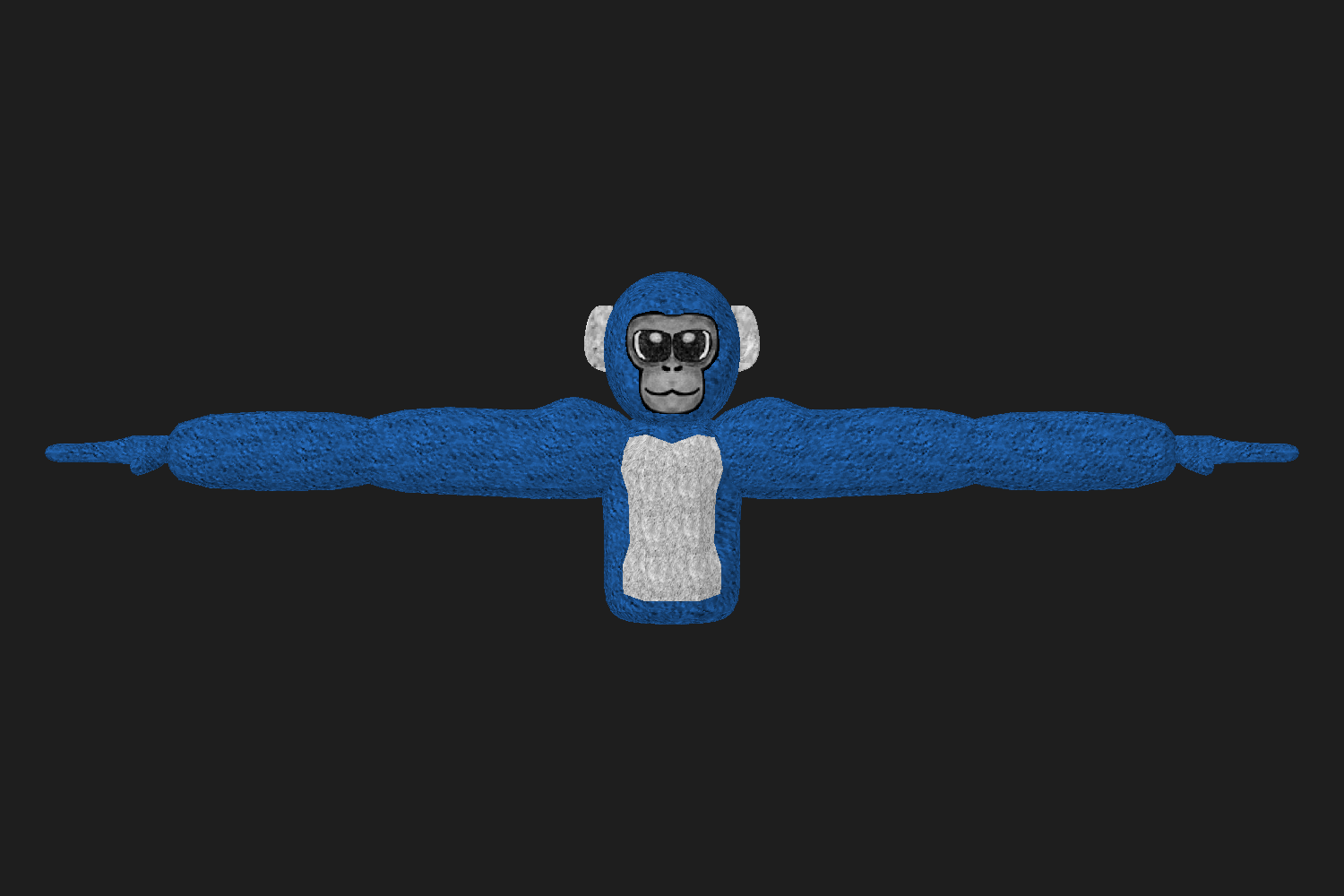
Start with your setup.
Choose your name and adjust turning and microphone settings at the in-game terminal. Change your color at any wardrobe.
Your starting point for Gibbon 2. Get set up, find your style, and make yourself at home.
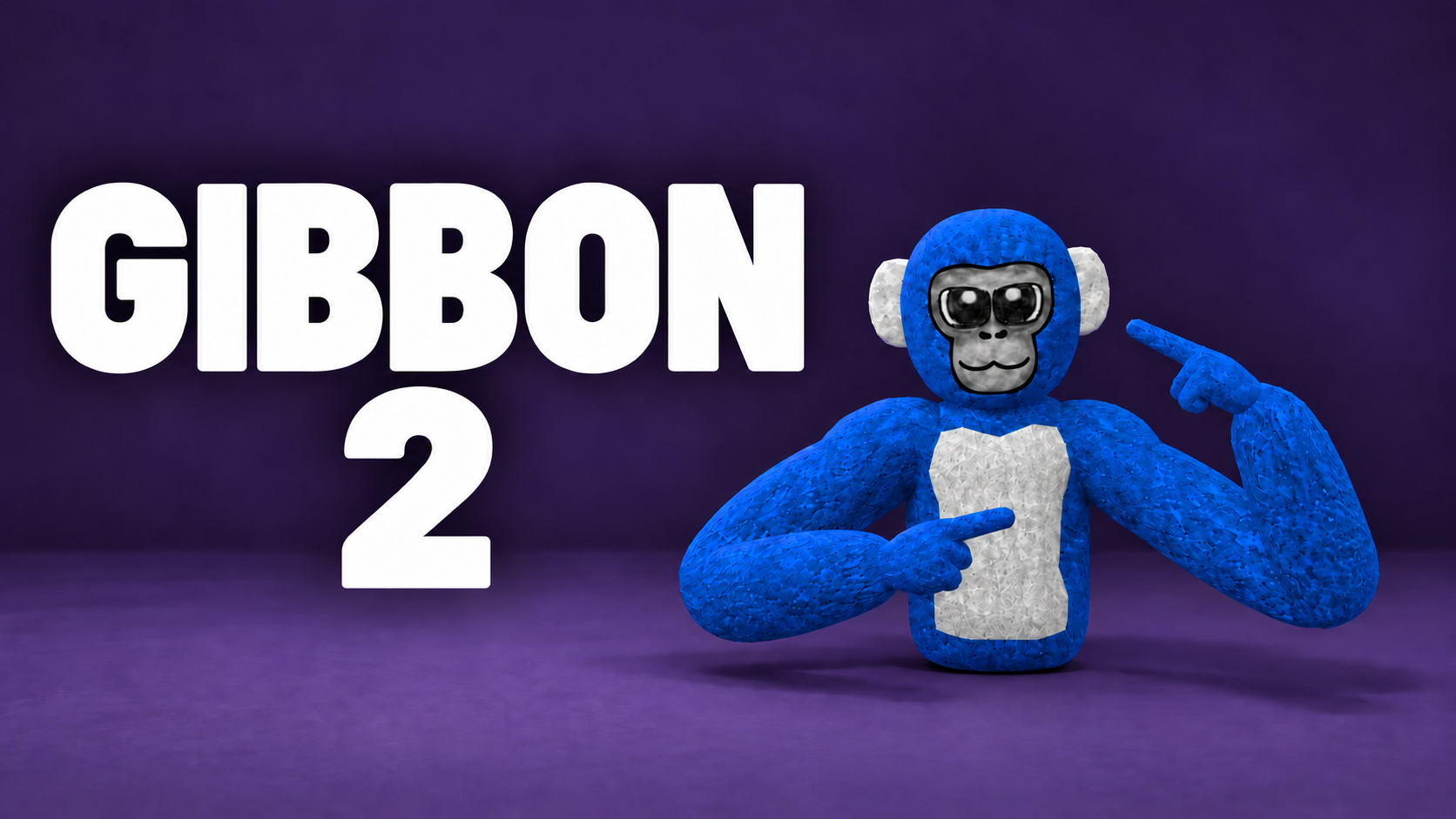
Choose your name and adjust turning and microphone settings at the in-game terminal. Change your color at any wardrobe.
Choose open mic (talk freely without holding a button), push-to-talk, push-to-mute, or mute your microphone before joining the conversation.
Try on shop cosmetics, equip what you own, and save combinations in 15+ wardrobe presets.
Keep things respectful and play fairly. Read the community guidelines before you jump in.
Find your people. Bring your personality. Life’s better as a gibbon.
Our community guidelinesA quick check before you put on your headset.
Your checks stay here for this page visit.
Get help with login, inventory, and connection issues.
Open supportREPORTSSend a bug report or a concern about player behavior.
Report a problemCOMFORT & CONTROLSRead about turning and microphone options or send accessibility feedback.
Explore settingsNo matching questions. Try another word or contact support.
Yes. Its servers remain available. Gibbon is permanently on the 2025 Fall Update and will not receive any more updates or fixes.
It’s a separate multiplayer VR game with hand movement, climbing, voice chat, cosmetics, 15+ wardrobe presets, and the Gibbon terminal.
Visit Support for account and gameplay issues or email gibbonteam2024@gmail.com.
Four choices at the Gibbon terminal. These control your microphone, not everybody else’s.
Talk freely without holding a button. Your microphone stays on, so people in your room can hear you and sounds around you.
Hands freeHold the talk button when you want to speak. Release it and your microphone goes quiet.
Hold to speakTalk normally, then hold the mute button when you need a quiet moment. Release it to talk again.
Hold for privacyYour microphone stays off until you change the setting. You can still enjoy the game without talking.
Mic offOther Matter does not record or save voice conversations. Other players may record outside the game, so keep private details to yourself.
Read about voice privacySet your turning at the terminal. Choose your color at any wardrobe.
Turning is off by default. The game does not rotate your view with a turning control.
Default settingEach snap rotates your view by 60 degrees.
60° per turnYour view rotates continuously while you use the turning control.
Continuous turningEvery wardrobe has a color slider. Your color syncs with your presets and across every wardrobe, so your look stays consistent wherever you change it.
Explore your optionsMake yourself comfortable before you join the conversation.